 Words in Reach
Practice and learning
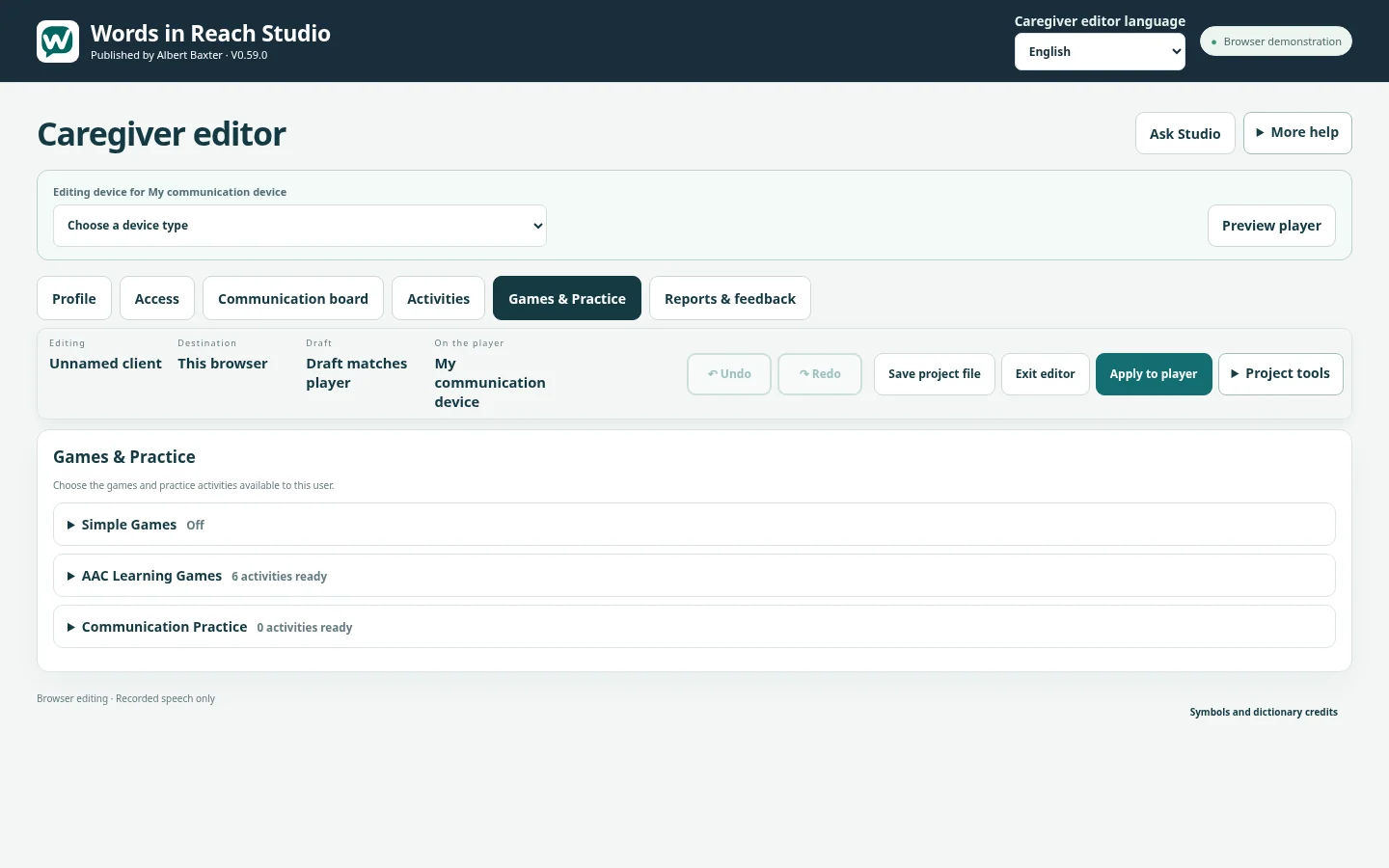
Explore cause and effect, turn-taking, listening, finding words, and practicing a spoken word with a model.
Features
Explore the tools for choosing a message, getting through the day, and making each board personal.
Professional Studio
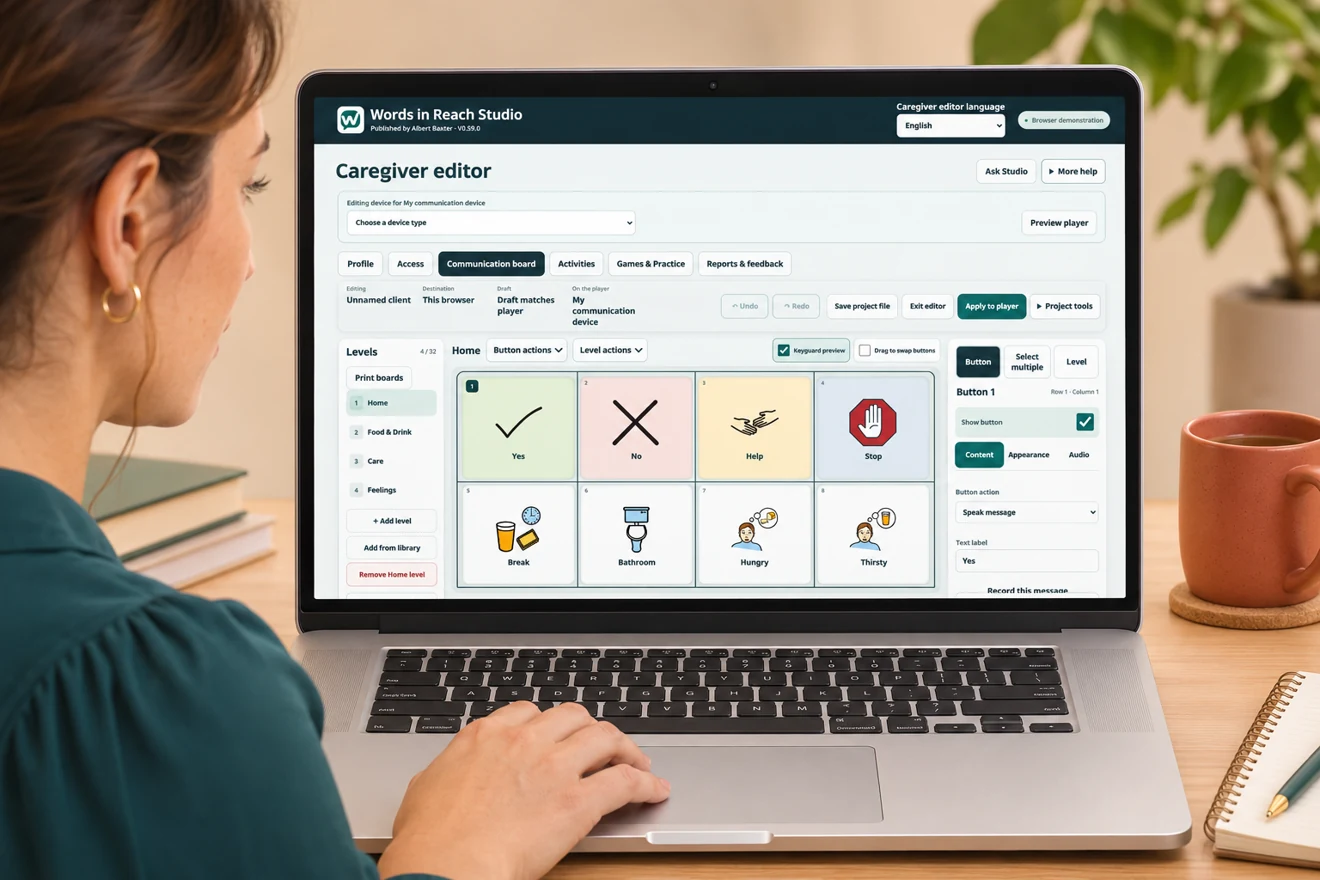
Choose a level, open one button, and give it a message the communicator will recognize.
One named Studio account lets a clinician work with multiple communicators. Preview a board together before sharing a project or printing a copy.
Photo scenes
Turn a photo into a way to talk about the things in it. Try the apple, cup, or crackers on this sample snack table.
Studio lets you assign messages to positions on a photo scene and use familiar pictures on individual buttons.
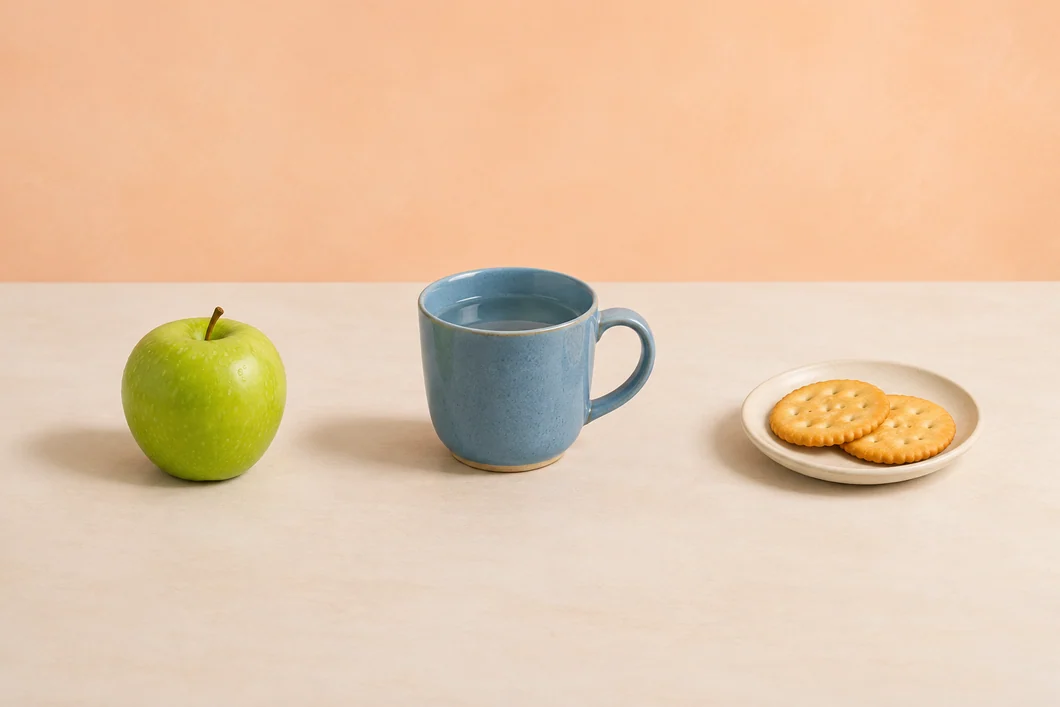
Choose an item to reveal its sample message.
Touch & switch access
A communicator can touch a picture or use switches to move through choices. Try a short two-switch example.
Studio includes single- and two-switch scanning, row and column choices, direct message assignments, and adjustable timing.
 Yes
 No
 Help
 Stop
Yes is highlighted. Move through the words, then choose one.
Communication practice
Practice Saying It gives a partner and communicator a word to listen to and try together. Studio can use words from their own board.
Try a short set with English model recordings. Move on whenever you are ready.
HelpListen to the model, then try saying the word.
Communication board
Give Yes and No the same color in one edit. Then print a paper copy with the buttons in their familiar places.
Watch how the two checkmarks appear, follow the lavender swatch, and compare the finished board with the PDF.
See the Studio board guide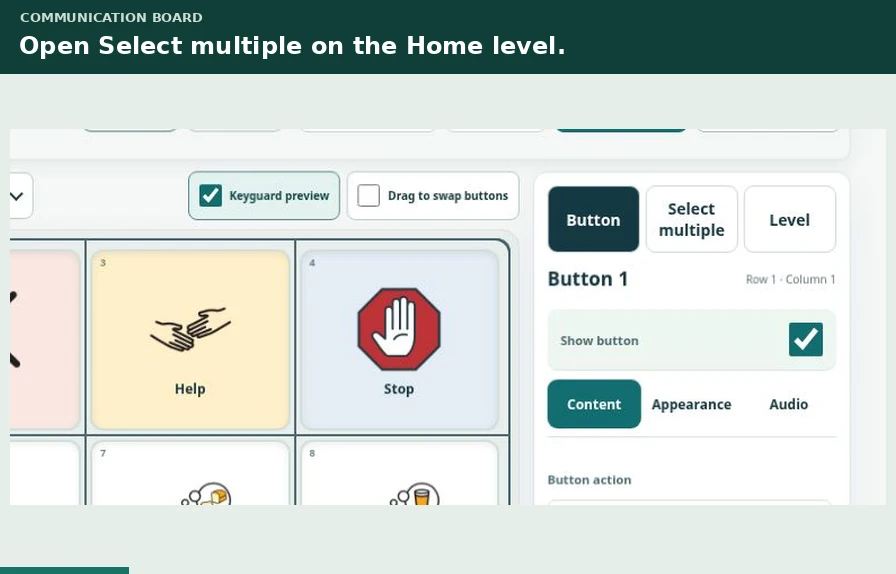
Open Select multiple on the Home level.
Inside Studio
Explore cause and effect, turn-taking, listening, finding words, and practicing a spoken word with a model.
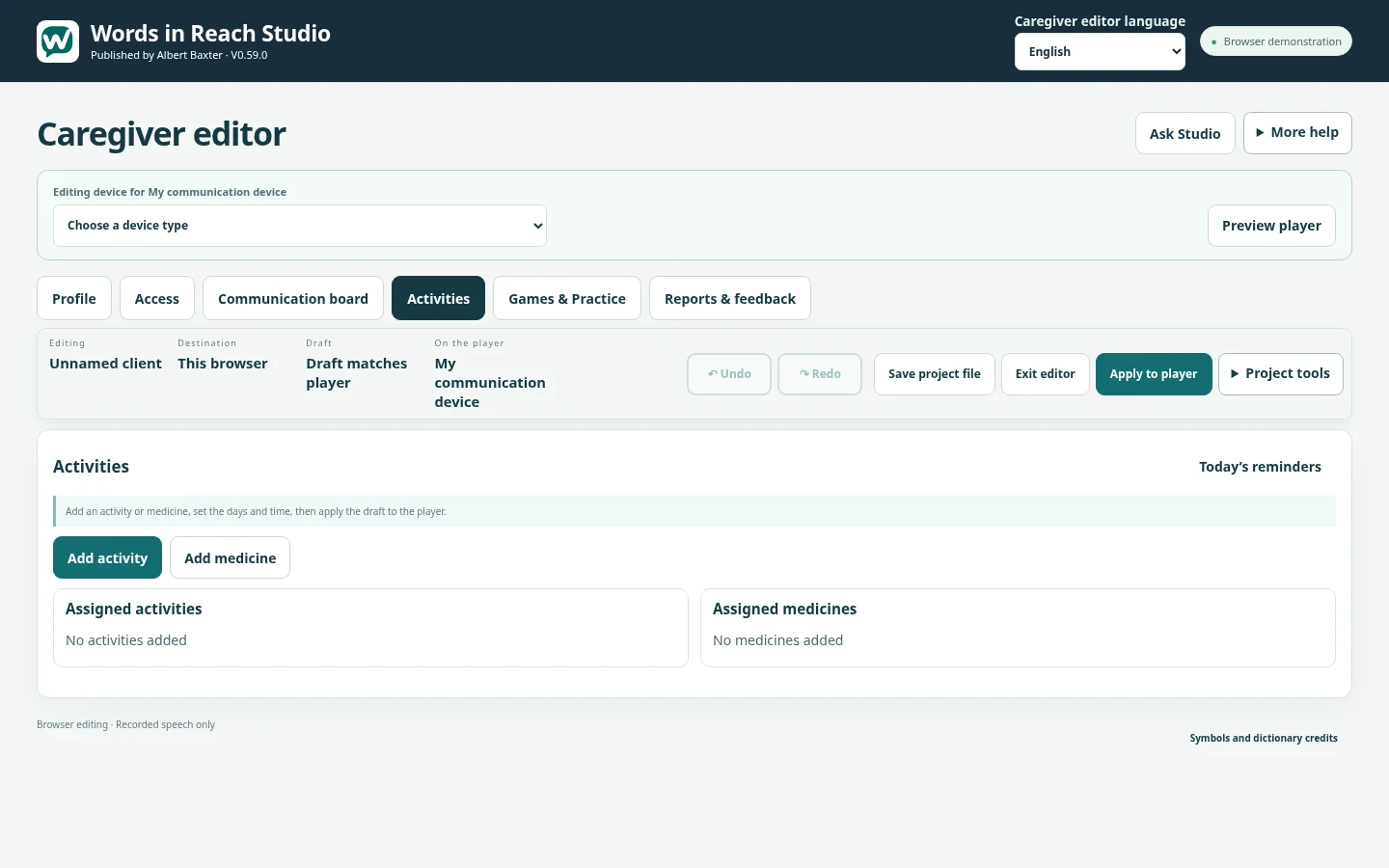
Build step-by-step activities, schedule prompts, and offer a snooze option. Add medicine details with caregiver review.
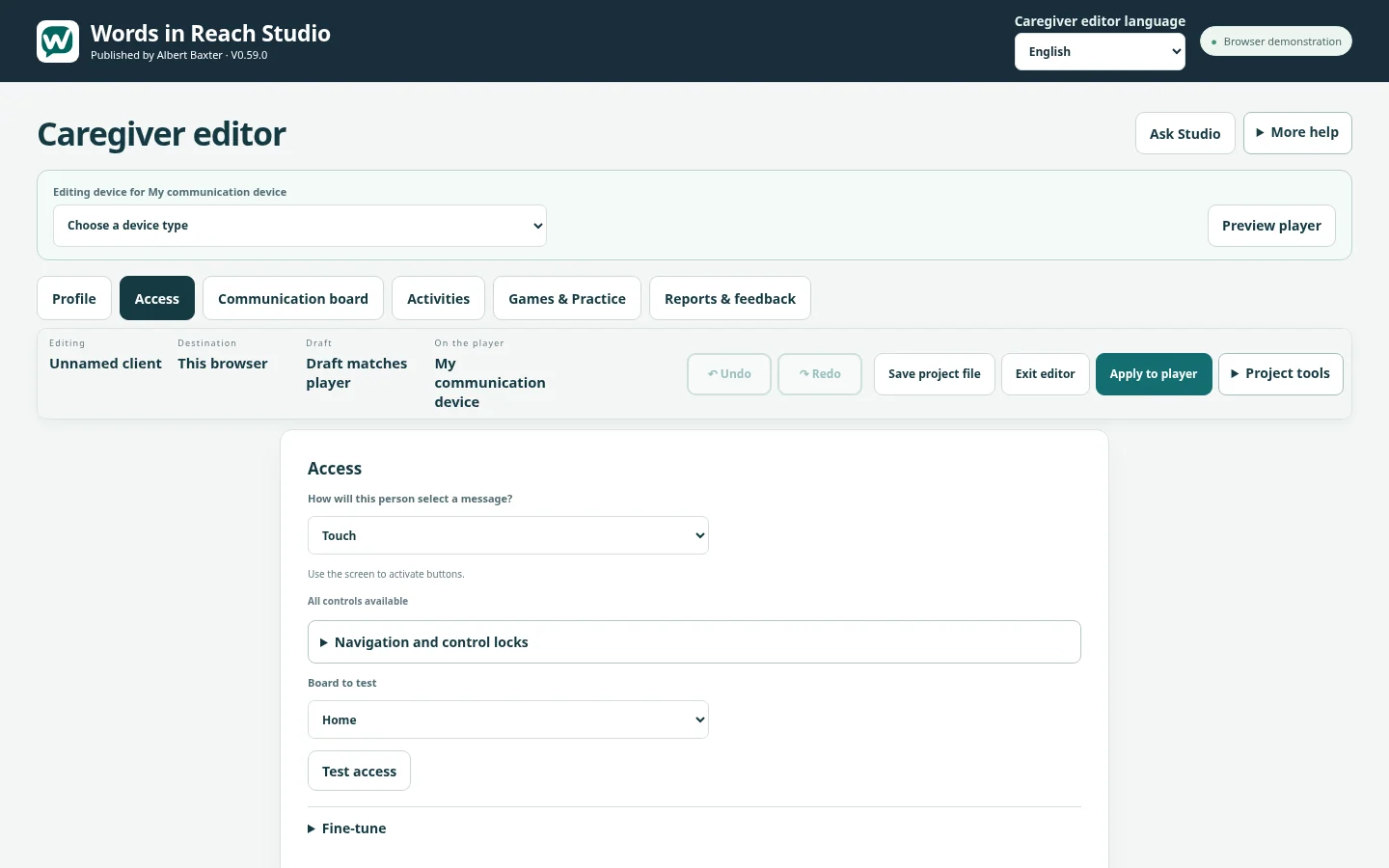
Choose an access method and try it with the communicator before applying the board.
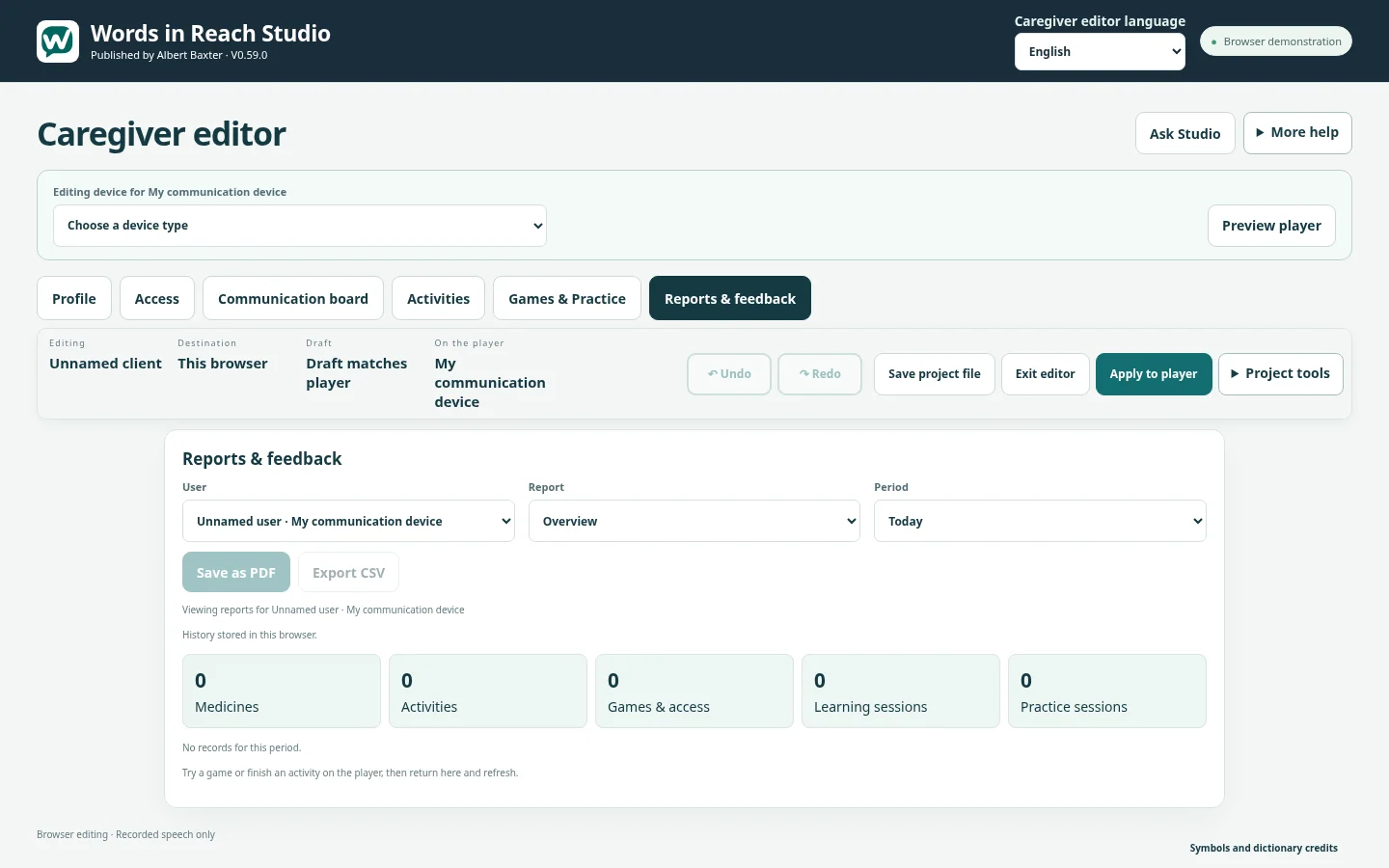
Review activity records by communicator and date, export reports, and keep a workspace backup in a location you control.
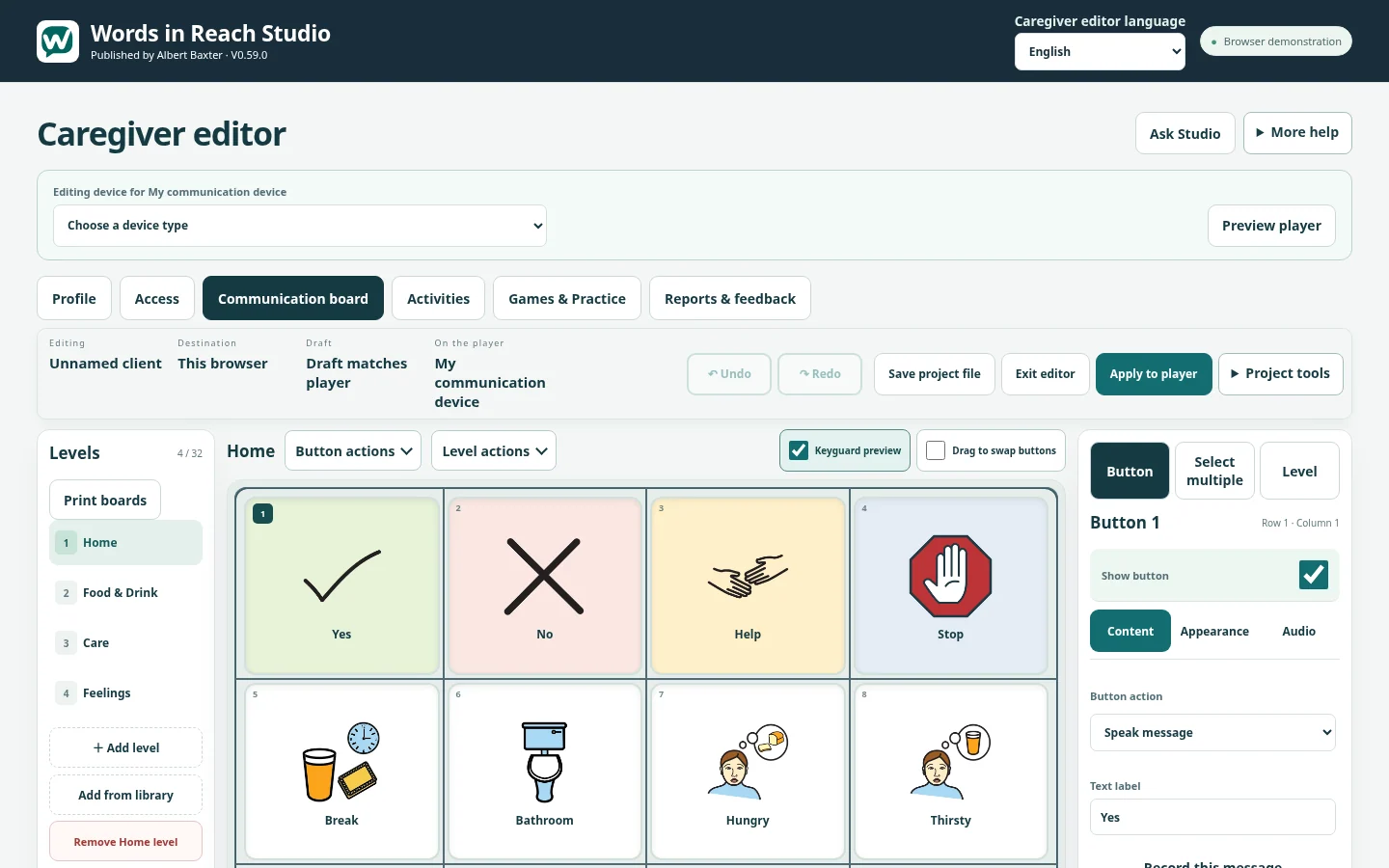
Add personal photos or symbols, change labels, record a voice, trim the clip, and adjust its level.
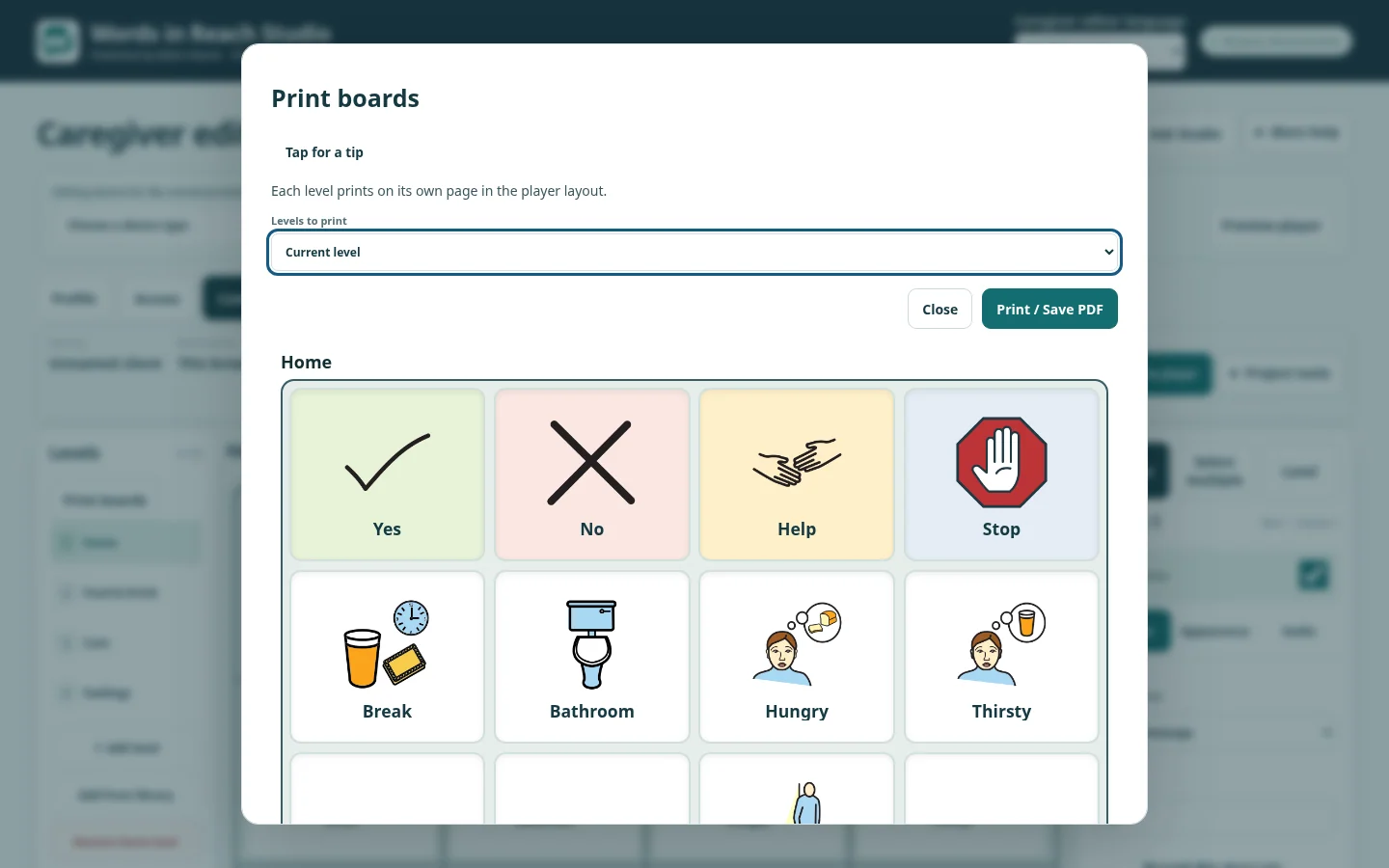
Choose which levels to print and preview the layout before sending it to a printer.
Professional Studio
Create and preview boards for the people on your caseload. Personalize each project with its own photos, languages, and recordings.
Request a Studio trialSelect
Explore a personal player for one communicator. Find familiar messages, follow routines, and take a turn in a game.
Request a Select trial