 Words in Reach
 Select
AAC made simple.
Choose a picture. Hear a familiar voice. Build a communication board around the person using it.
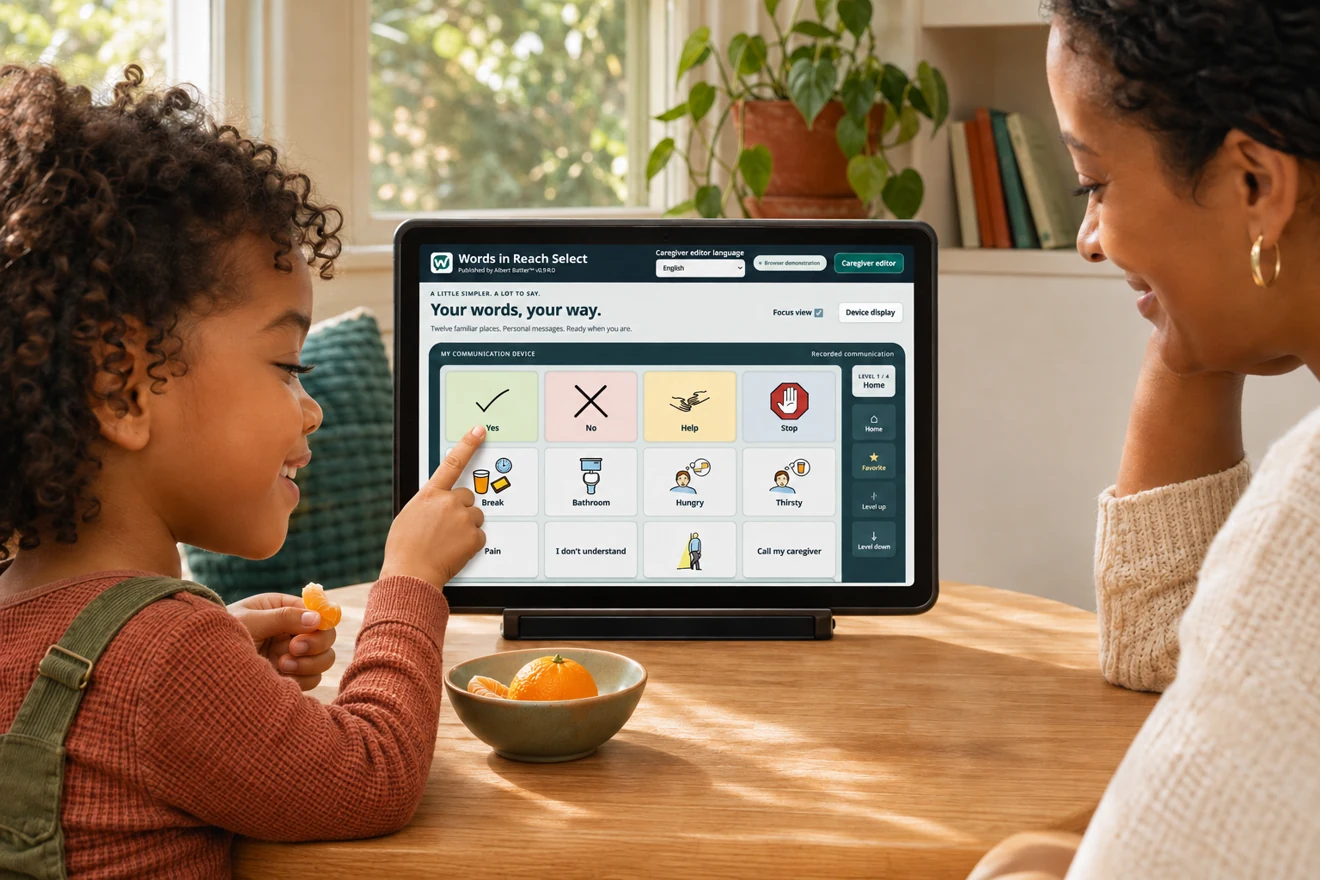
The Select player
Let the board do the talking.
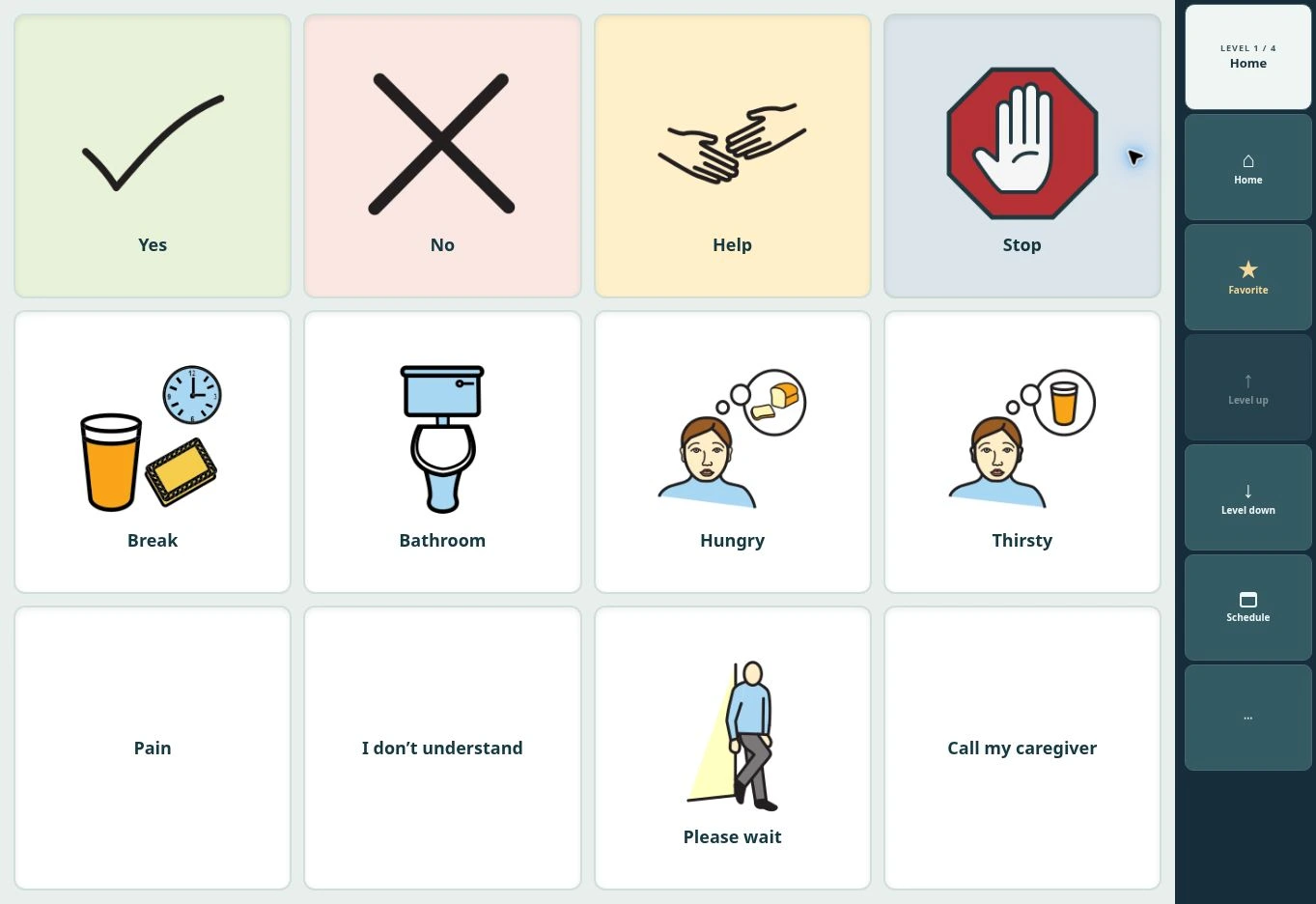
Choose a picture to hear its message. In Studio, a family member can record the words in a voice the communicator knows.
A Select level has twelve familiar places. You decide which buttons to show and what each one says.
Explore touch and switch accessTry a recorded message
Choose a word to hear the English recording.
Autism & everyday communication
A turn at snack time.
A child with autism might choose “Help” to open a snack or “Stop” to say they have had enough. Start with the pictures and words that matter to that child.
Explore a snack photo boardLanguages
Their board. Your language.
An English-speaking therapist can edit a board that shows Spanish first. A caregiver can then use the editor in their preferred language.
Try the two settings independently. Studio offers eight interface choices. Communicator labels and message recordings can be personalized separately.
Try the language settings
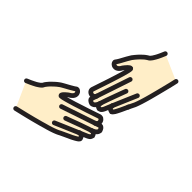 AyudaHelp
Change one language at a time
Watch an English-speaking editor switch to Spanish while the board keeps its Spanish labels. Then watch the board switch to English with the editor still in Spanish.
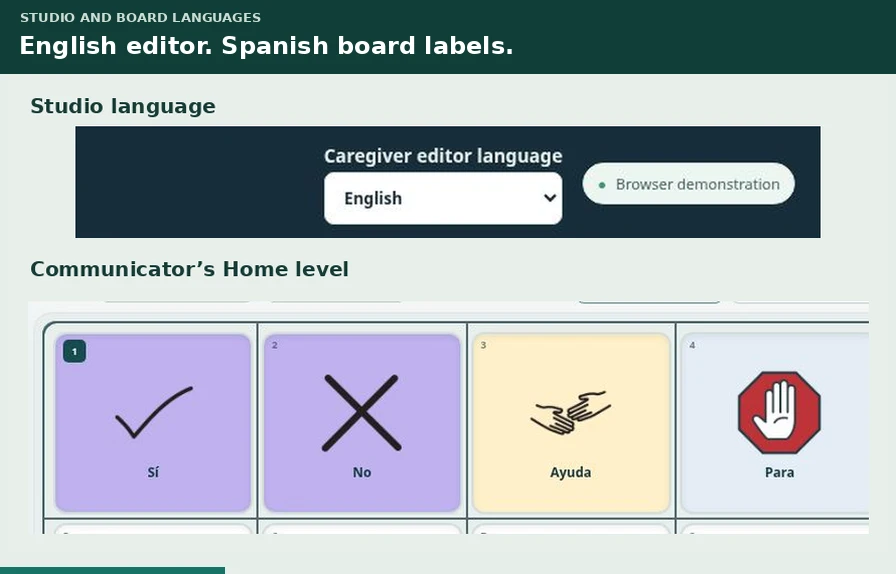
English editor. Spanish board labels.
Read the steps
- English editor. Spanish board labels.
- Switch the editor to Spanish. The board still says Sí and Ayuda.
- In the board language settings, choose English.
- The board now says Yes and Help. The editor stays in Spanish.
Communication after stroke
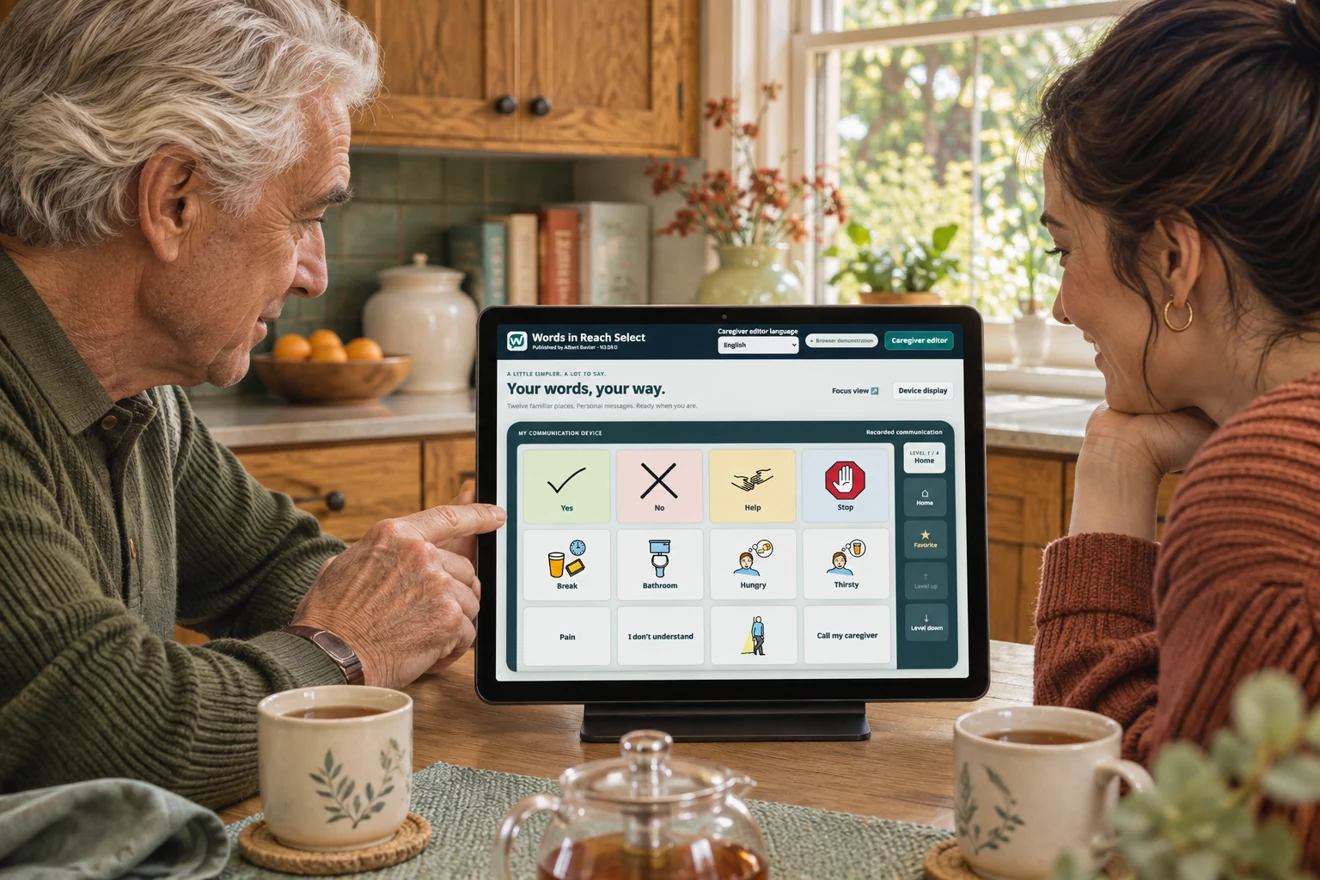
Keep a say in the conversation.
At breakfast, an adult with aphasia might want to choose a drink, ask for a break, or tell a partner, “I have something to say.”
Put those messages where they are easy to find. A familiar photo, a recorded phrase, or a printed board can give the conversation a place to start.
Try choosing from a photoActivities & schedules
What happens next?
A picture schedule can show the next activity. Step cards can break a familiar task into smaller choices.
Studio also lets a caregiver set medicine reminders and review names, purposes, and directions. The communicator can ask for help or see the information their caregiver entered.
Try a morning schedule
Get ready for breakfast
First, choose a cup for the table.
Fictional schedule. Your choices stay in this example.
Games & AAC learning
Make something happen.
In Builder’s Waterworks, a learner can start the stream, stop it, and choose where the water goes. A small word changes the scene.
Try this excerpt. In Studio you can also choose simple cause-and-effect games, Listen & Choose, Word Finding, and Practice Saying It.
Try Practice Saying It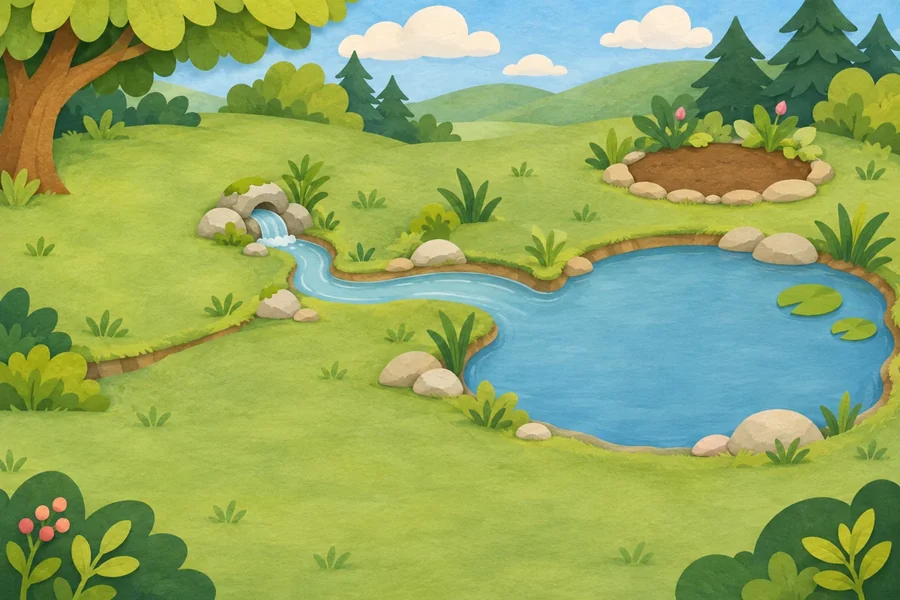

Choose Go to start the stream.
Communication board
Edit together. Print a level.
Give Yes and No the same color in one edit. Then print a paper copy with the buttons in their familiar places.
Watch how the two checkmarks appear, follow the lavender swatch, and compare the finished board with the PDF.
See the Studio board guide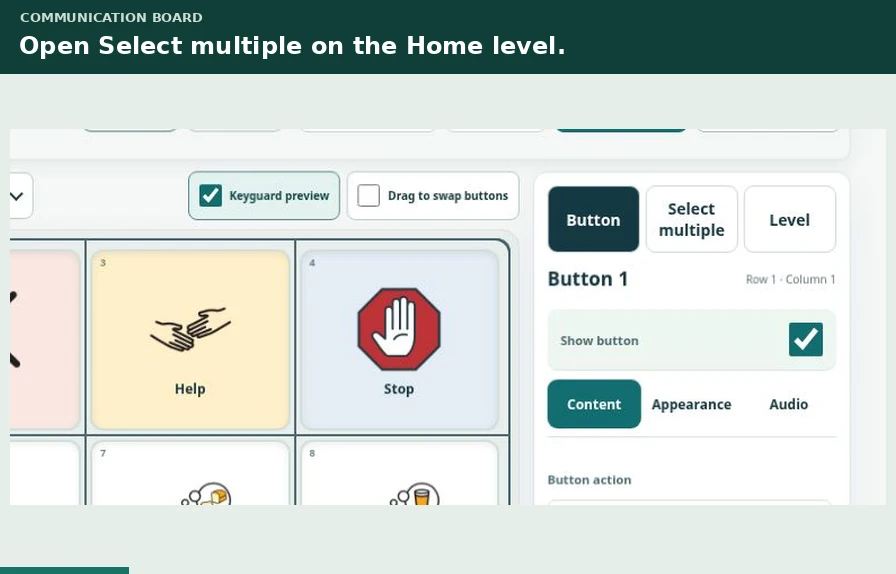
Open Select multiple on the Home level.
Read the steps
- Open Select multiple on the Home level.
- Select Yes.
- Add No. Both buttons are checked.
- Choose lavender, then apply to selected buttons.
- Yes and No now share a color. Choose Print boards.
- Choose Current level, then Print / Save PDF.
- The PDF keeps both lavender buttons and all twelve positions.
Professional Studio
Build a board.
Create and preview boards for the people on your caseload. Personalize each project with its own photos, languages, and recordings.
Request a Studio trialSelect
Use a board.
Explore a personal player for one communicator. Find familiar messages, follow routines, and take a turn in a game.
Request a Select trial